How oversampling rate affects how smooth anti-aliasing is

Piotr Grochowski
Posts: 91
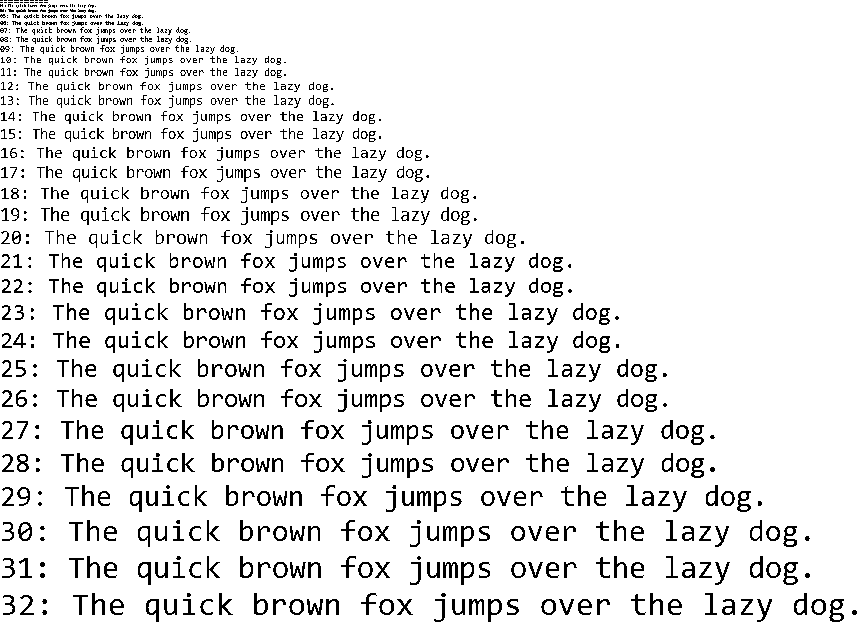
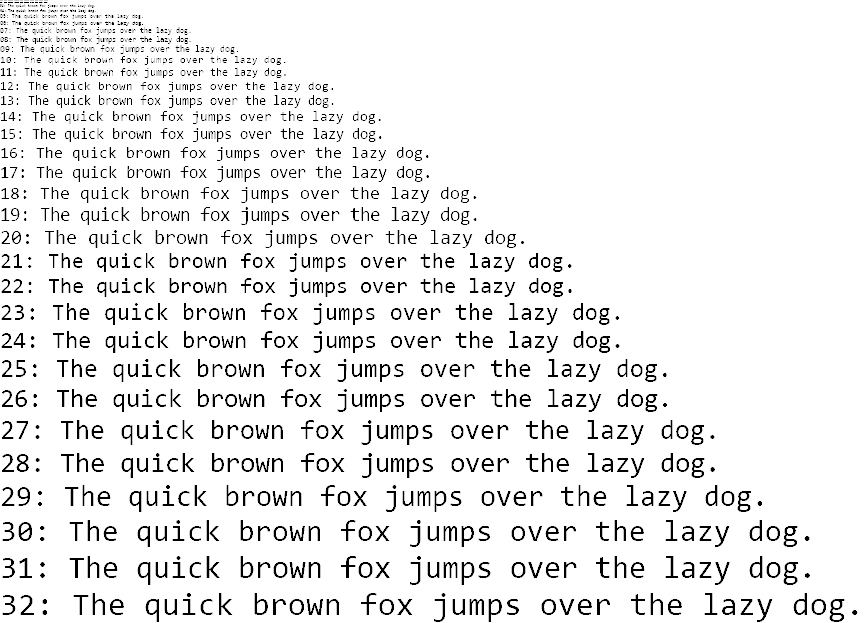
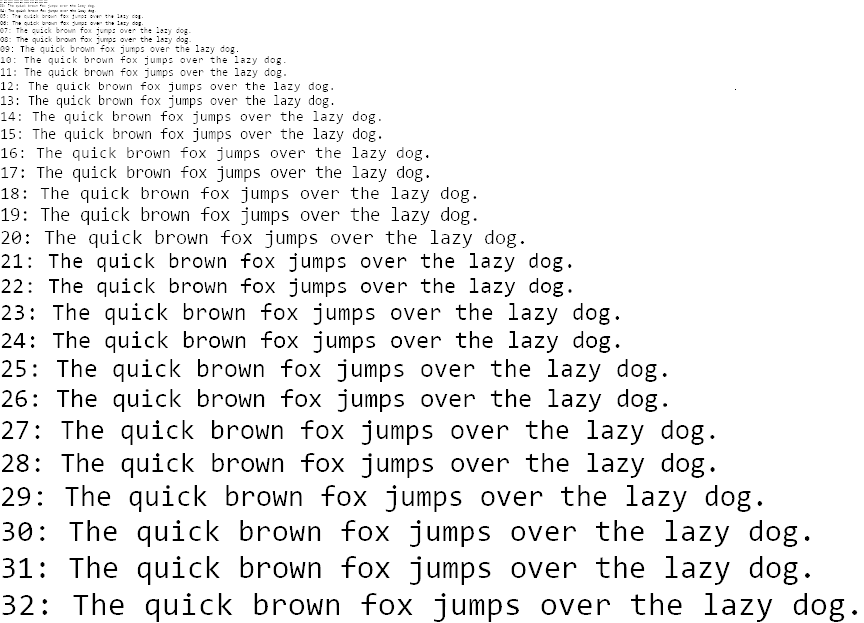
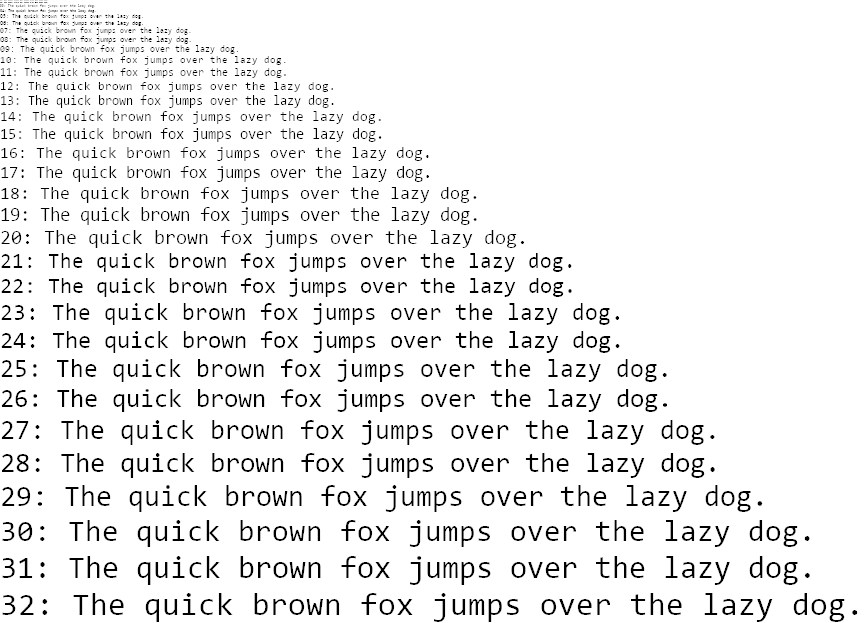
The higher the oversampling rate, the smoother the anti-aliasing is.
1×1 oversampling (no anti-aliasing): https://i.imgur.com/AK13ioa.png
1×1 oversampling (no anti-aliasing): https://i.imgur.com/AK13ioa.png
2×2 oversampling (one of the earliest forms of anti-aliasing): https://i.imgur.com/DCZrTEV.png
4×4 oversampling (used in classic GDI): https://i.imgur.com/u2X5jkX.png
8×8 oversampling: https://i.imgur.com/YHgGpxc.png
0
Comments
-
Can this be set somewhere?0
-
In Microsoft Windows, when ClearType is enabled it is 6×1 oversampling (some but not all versions of ClearType use 6×5 oversampling if the font enabled vertical anti-aliasing), and when ClearType is disabled it is the classic GDI renderer which is 1×1 oversampling if the font disables anti-aliasing, 4×4 oversampling if the font enables anti-aliasing. There is also a "Smooth edges of screen fonts" setting and when disabled it disables anti-aliasing, making it always 1×1 oversampling.Can this be set somewhere?
1

Categories
- All Categories
- 47 Introductions
- 4K Typeface Design
- 501 Type Design Critiques
- 593 Type Design Software
- 1.1K Type Design Technique & Theory
- 675 Type Business
- 908 Font Technology
- 29 Punchcutting
- 544 Typography
- 129 Type Education
- 333 Type History
- 82 Type Resources
- 114 Lettering and Calligraphy
- 33 Lettering Critiques
- 81 Lettering Technique & Theory
- 580 Announcements
- 101 Events
- 116 Job Postings
- 176 Type Releases
- 186 Miscellaneous News
- 270 About TypeDrawers
- 54 TypeDrawers Announcements
- 114 Suggestions and Bug Reports